

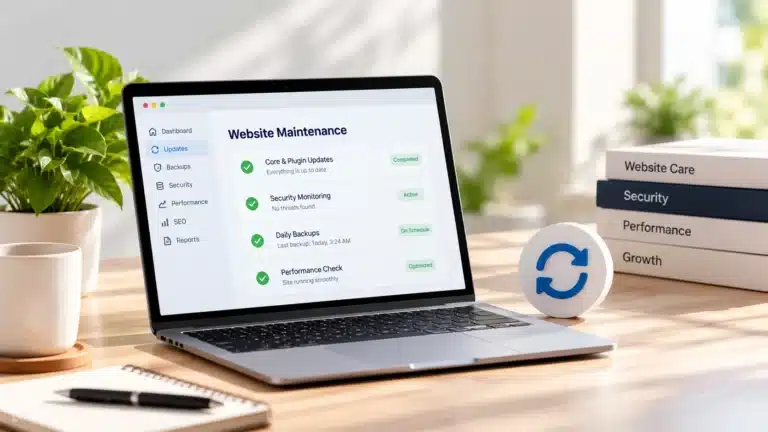
 Website Maintenance
Keep your website updated, functional, and ready to support your business.
Learn More Add practical layers of protection, monitoring, and dependable backups to reduce risk and make website recovery easier when problems occur.
Add practical layers of protection, monitoring, and dependable backups to reduce risk and make website recovery easier when problems occur. The goal is to make the service practical and easy to understand while keeping the page focused on the business problem it solves.
A well-planned approach also creates a stronger foundation for future changes, marketing, and growth. Rather than treating the service as an isolated task, the work should support the wider website and customer journey.
Custom website design starts with the business rather than the template. The structure, content, calls to action, and overall experience are planned around your audience and goals, creating a website that looks professional while actually supporting the way your business works.
Protect your website, data, and business with proactive security and reliable backups. We help keep your site secure, monitored, and ready to recover when the unexpected happens.
This service is especially useful when:
Website protection works best as an ongoing combination of risk reduction, reliable backups, monitoring, and a clear recovery path.
Review the website, users, software, hosting, and current safeguards for common areas of risk.
Prioritize the issues that deserve attention based on the website’s setup and importance to the business.
Apply appropriate safeguards to administrative access, WordPress, plugins, and other vulnerable areas.
Set up dependable backups based on how often the website and its data change.
Use practical monitoring and routine checks to identify availability or security problems sooner.
Keep the website updated and maintain a clearer process for restoration when a usable backup is needed.
Website projects often connect with other services before and after launch.
Website Maintenance Website Speed Optimization
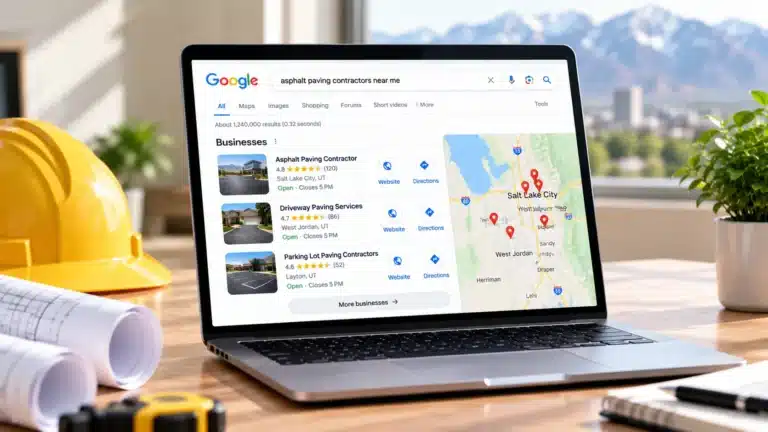 Local SEO & Search Visibility
No website can be guaranteed completely immune from security threats. The goal is to reduce common risks, maintain the website properly, monitor important areas, and have reliable backups available if something happens.
It depends on how frequently the site changes. A frequently upd
Keeping at least one reliable backup separate from the live website is generally preferable so a server or hosting problem does not affect every available copy.
Yes. Existing WordPress websites can be reviewed and appropriate security measures added based on their hosting, plugins, users, and current configuration.
Whether you’re starting from scratch or replacing a basic website, start with a conversation about your business, what the website needs to accomplish, and the best way to build it.