A website redesign moves faster, costs less, and delivers better results when the groundwork is done before the first design meeting. Most delays in a redesign are not caused by design or development. They come from missing logins, unclear goals, and content that is still being written weeks after the project starts. If you are planning Website Redesign Services for Layton UT Businesses, this checklist will help you show up ready and keep the project on track.
For a broader view of planning, budgeting, and choosing the right approach, see A Small Business Owner’s Guide to Custom Website Design in Northern Utah. Below are the items worth gathering before a redesign begins.
Clear Goals for the New Site
Start with what you want the new website to accomplish. More phone calls? More quote requests? Online bookings? Better visibility for a specific service or area? Write down three to five measurable goals. These shape every decision that follows, from the layout of the homepage to the wording on each button.
It also helps to note what is not working today. Maybe visitors cannot find your contact page, or the site does not explain a new service you offer. Those frustrations become the project’s priorities.
Know Your Audience
Describe the customers you most want to reach. What questions do they ask before hiring you? What worries do they have? What makes them choose one business over another? A website built around real customer questions converts much better than one built around what the business wants to say about itself.
Access to Everything
Gather logins and account details before the project starts:
- Domain registrar account
- Hosting account
- WordPress administrator access
- Google Analytics and Google Search Console
- Google Business Profile
- Email marketing, booking, or CRM tools connected to the site
Missing access is one of the most common reasons redesigns stall. Keeping a secure list of these accounts also makes future website maintenance services much simpler.
A Snapshot of Current Performance
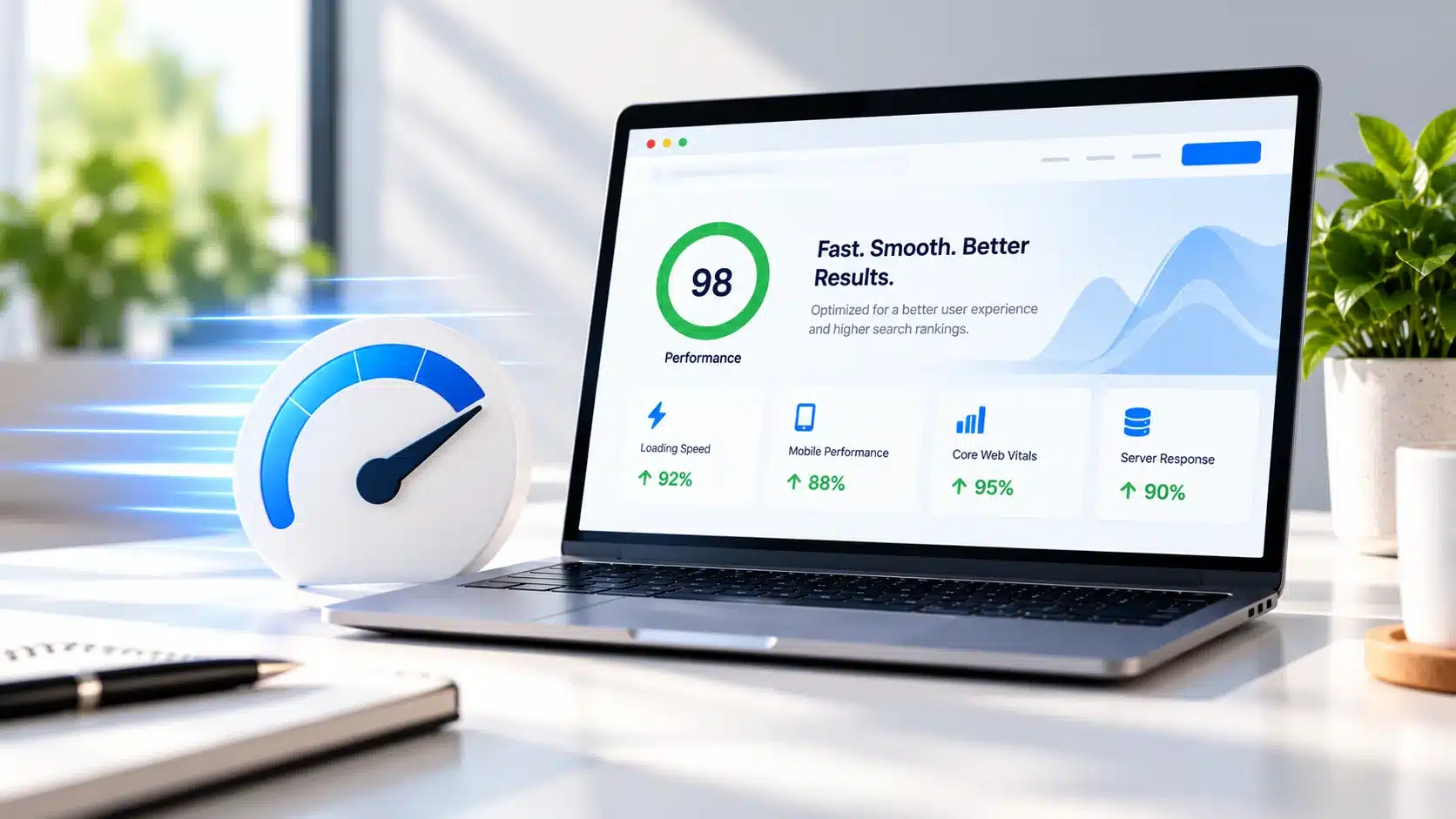
Before anything changes, record how the current site performs. Note monthly traffic, the pages that receive the most visits, the searches that bring in visitors, and how many leads arrive each month. This baseline lets you measure whether the new site actually improves results, and it identifies pages that must be protected with redirects during the switch.
Brand Assets
Collect your logo in high-resolution formats, brand colors, fonts, and any brand guidelines. If your branding has changed or feels outdated, decide whether to refresh it before or alongside the website. Changing a logo halfway through custom website design leads to rework and delays.
Photos and Video
Real photos of your work, your team, your location, and finished projects build far more trust than stock images. If your photo library is thin, schedule a photo session early so images are ready when the layouts are. Organize photos into folders by service or topic so they are easy to place.
Content Review
Go through your current pages and decide what to keep, update, combine, or remove. Service descriptions, the about page, frequently asked questions, testimonials, and policies all need attention. If writing is not your strength, ask whether your web design agency can handle content as part of the project. Pages that already rank well in search should be improved rather than replaced, which is a key part of SEO web design during a website redesign.
Examples You Like
Collect a few websites you admire, whether in your industry or not, and note what you like about each one. Maybe it is the layout, the photography, the clear navigation, or the way services are explained. Examples make design conversations faster and help everyone picture the same result.
Features and Integrations
List anything the new site needs to do: online booking, quote forms, payment options, a blog, a service area map, or connections with tools you already use. Knowing these upfront helps your team choose the right WordPress web design approach and avoids surprises in the budget.
A Decision-Maker and a Timeline
Choose one person who can give feedback and approve designs. Set a realistic launch date and work backward, leaving time for content, review, and testing. Projects with a single point of contact move noticeably faster.
Budget Priorities
Decide what matters most for launch and what can wait. Affordable web design often means launching with the essentials done very well and adding extras over time. Responsive web design, speed, and clear calls to action should always be part of the first phase.
Ready to Start
Preparation turns a redesign from a stressful project into a smooth one. Small business web design works best as a partnership, and the more prepared you are, the more time can go into making the site great. Business owners searching for web design near me in Layton and across Davis County can count on MPARO to guide every step, from the first checklist to launch day.
Ready to start planning your redesign? Call MPARO at (801) 410-6548 and we will help you prepare everything your new website needs.